


The short answer
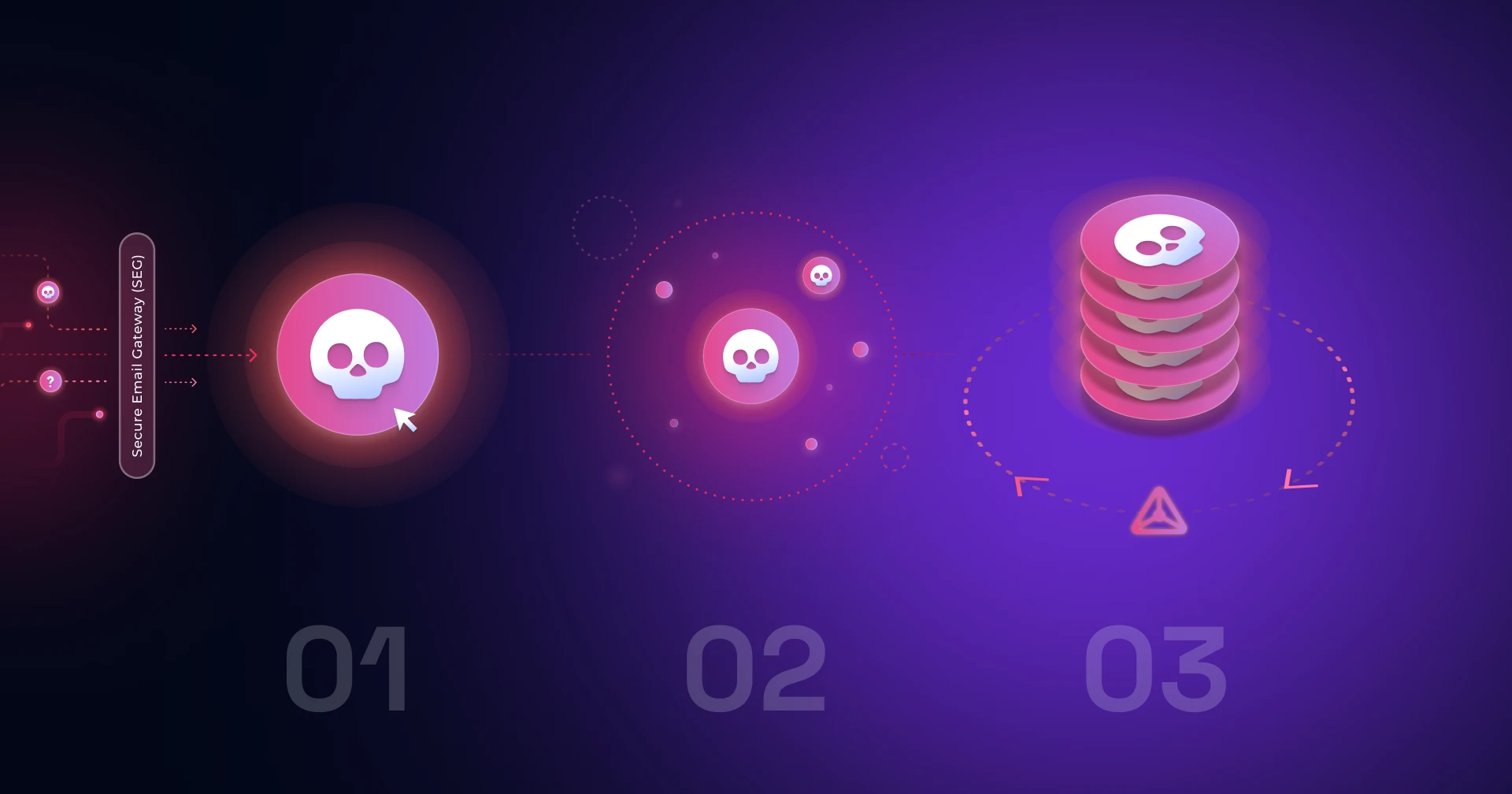
Automating user-reported phishing response means one thing above all: a safe-vs-malicious verdict good enough to act on without a human checking it. With that in place, duplicate reports of one campaign collapse into a single incident, confirmed threats are removed from every inbox, and the reporter hears back. Because roughly 80-85% of reports are benign, accuracy is the gate.
The challenge for teams handling user-reported phishing
You trained employees to report suspicious email instead of ignoring or clicking it, and it worked: the habit stuck. Now the abuse mailbox fills up faster than anyone can review it, and most of what lands there is harmless. The reporting culture you built has turned into a triage problem, and the question is no longer "how do we get people to report" but "how do we handle everything they report without burning out the team or missing the one attack that matters."
What automating user-reported phishing response actually means
Automating user-reported phishing response means putting a reliable safe-vs-malicious verdict on every reported email, grouping the duplicates of one attack into a single incident, ranking those incidents by the risk they pose, removing confirmed threats from every inbox, and telling the reporting employee what happened, all without a human reviewing each report by hand. The hard part is the verdict: because roughly 80-85% of reported emails are benign, the whole system only works if the classification is accurate enough to trust. This guide covers what that requires, how to evaluate an approach, and where a dedicated user-reporting-response layer fits versus a standalone tool.
Why a successful reporting program creates a triage problem
Verizon's 2026 Data Breach Investigations Report attributes 62% of breaches to the human element (full disclosure: Hoxhunt is one of the report's data contributors), so the security-awareness playbook is to turn employees into a reporting layer, and mature programs succeed at it. That success is what creates the load. A single phishing campaign that hits 300 people generates 300 separate reports, and around 80-85% of everything reported is a newsletter, an internal notice, or a vendor email. Analysts end up spending the front of every shift confirming that things are not threats instead of investigating the ones that are. The reporting program stops being a win and starts being a staffing problem.
62%
of breaches involve the human element, which is why programs push employees to report
Verizon 2026 DBIR
80-85%
of everything employees report is benign, and an analyst confirms each one by hand
Hoxhunt reported-email data
What automating the response requires
Evaluate any approach against the jobs it has to do, in this order. The first one decides everything downstream.
- A reliable verdict (safe vs. malicious). Can it classify each reported email accurately enough that you trust it to act, and is that accuracy published and sustained over time? A verdict you can trust is what lets most reports resolve automatically. A shaky one keeps a human in the loop for everything, which defeats the purpose.
- Campaign-level triage. Does it group the hundreds of reports of one attack into a single incident, or open a ticket per email? Clustering is the difference between one investigation and four hundred, and it makes that one investigation easier too: the analyst opens the incident already seeing its scope, who was targeted, and how fast reports are arriving, instead of assembling that picture ticket by ticket.
- Risk-based prioritization. Does it tell the team which confirmed campaigns to work first? A verdict says what is malicious; it does not say what matters. Enrichment adds the targeted asset and the technique in play, which is what lets a SOC put credential harvesting and payment fraud at the front of the queue and resolve consumer-grade lures by policy.
- Removal without an analyst gate. When a threat is confirmed, can it remove that email from every inbox, and does it need a human to sign off on each action? Note the mailbox coverage (Microsoft 365, Google Workspace, or both).
- A feedback loop to the reporter. Does the employee who reported get a verdict and an explanation back, and how fast? The reporting culture is the input to everything above; if it erodes, the whole system starves.
- Signal into your stack. Does it feed clean, grouped incidents into your SIEM or SOAR, or add another console to watch?
The verdict is the hard part: classifying safe from malicious reliably
Everything downstream depends on the safe-vs-malicious call, and it is the part most tools get wrong at scale. To see why, take a phishing campaign apart. There are only two kinds of features to work with: the technical artifacts (sending infrastructure, domains, URLs, attachment hashes) and the social engineering, the language built to make the recipient act.
Detection built on the technical layer works, but only against campaigns someone has already seen. On David Bianco's Pyramid of Pain, hashes, IP addresses, and domains sit at the bottom: precise to match, and nearly free for the attacker to replace. A fresh domain costs a few dollars, a re-hashed payload costs nothing, and campaign infrastructure is routinely rotated faster than threat-intel feeds can propagate it. Indicator-based detection is therefore structurally late: it confirms yesterday's campaign while today's, on clean infrastructure, walks past.
What the attacker cannot rotate away is the ask. A phishing email exists to make someone act: click, open, sign in, approve, pay. The pressure applied to get there draws on a bounded repertoire of urgency, authority, fear, curiosity, and reward. Pretexts follow the news cycle; the manipulation underneath barely moves. That is the TTP end of the pyramid, the one place where evasion is genuinely expensive for the attacker.
- TTPsTough
- ToolsChallenging
- Network / host artifactsAnnoying
- Domain namesSimple
- IP addressesEasy
- Hash valuesTrivial
The approach that holds up reads both layers together: traditional machine learning on the technical features, and large language models reasoning about the language, the pretext, and the context, trained on real phishing reported by employees rather than generic or vendor-curated data. The signal that makes it work is specific: emails that already bypassed the secure email gateway and other filters and were then confirmed by human analysts. By definition, these are the campaigns no signature had caught. Reading intent alongside infrastructure is what catches a campaign in its first hours, before any indicator of it exists on a threat-intel feed (zero-hour phishing).
Hoxhunt's classification has been in production roughly ten years on that data and does not rely on detonating a payload, so it also catches campaigns built to evade sandboxes. The published accuracy is sustained: 99%+ on safe verdicts and 96% on malicious verdicts, holding between 94% and 98% across a full year (April 2025 to April 2026), measured across a network of 5 million users reporting more than 1 million emails a month. Sustained accuracy is what makes automating the next steps safe rather than reckless.
The number behind the number
One nuance behind any headline accuracy figure: the two error types are not symmetric. A false negative, a malicious email waved through as safe, is the expensive mistake; it leaves a live threat sitting in inboxes, and nothing downstream will touch it again. Recall on the malicious class is therefore the number to interrogate. False positives cost differently: every safe email flagged as a threat feeds alert fatigue and erodes trust in the automation, so they have to stay near zero for auto-resolution to hold. The bar is both at once: miss as little of the malicious as possible while almost never crying wolf, and expect a vendor to show each side separately.
Closing the loop so employees keep reporting
The reporting culture is the fuel, and silence is what drains it. When an employee reports an email and hears nothing for hours, or ever, the habit weakens, and the human layer the whole system depends on degrades. Speed matters for a second reason: a campaign does most of its damage in the first minutes after it lands, before blocklists, takedowns, and mailbox pulls catch up. Feedback that arrives while the email is still on screen trains exactly the reflex that shortens that window.
Instant Feedback sends the reporting employee the verdict and the indicators behind it, arriving as a pop-up within seconds of the report. The indicators do double duty: they explain why the email was judged the way it was, and they teach, pointing out the themes and techniques the attacker used. Every report becomes a small training moment on a live sample. In a controlled comparison, turning Instant Feedback on lifted total reports 10%, reports per user 14%, and made the fastest 5% of reporters 5.7× quicker. Those fast reporters are the ones who surface a new campaign before it spreads.
Feedback Rules handle the noise from the other direction. The security team encodes known email types (the internal communications platform, the HR system, the payroll provider) as hard rules that intercept the report before it is even created: the employee gets an immediate confirmation that the email is safe to interact with, along with an optional message from the security team. The first-order effect is a queue those reports never enter. The second-order effect is easy to miss: when a half-suspected internal campaign is verified on the spot, employees stop treating legitimate mass email as a threat, and internal communications recover the reach that a suspicious workforce quietly taxes.
From verdict to priority: triaging confirmed threats by risk
A verdict tells the SOC what is malicious. It does not tell them what matters. Two confirmed campaigns are not the same incident: one harvests Microsoft 365 credentials from the finance team, the opening move toward business email compromise and the wire transfer that follows; the other is a fake parcel notice phishing individuals for card details. A queue that treats them identically spends the scarcest resource in the room, analyst attention, on the wrong one.
Confirmed malicious
- Targeted asset
- Corporate credentials, Microsoft 365, finance team
- Technique
- Credential harvesting
- Exposure
- Business email compromise, then the wire transfer that follows
Front of the queue
Confirmed malicious
- Targeted asset
- Personal card details
- Technique
- Fake parcel notice
- Exposure
- The individual, not the organization
Resolves by policy
Incident Orchestration collapses the duplicates first: hundreds of reports of one campaign become a single incident, cutting ticket volume 90-99% so the queue holds genuine unknowns rather than echoes. It then enriches each incident with what an analyst would otherwise assemble by hand: the targeted asset (corporate credentials, payment flows, malware execution) and the themes and techniques the campaign runs on (the pretext, the payload type, the social-engineering vector). Each incident also shows how many matching reports exist across the wider Hoxhunt network, which settles an early triage question at a glance: is this aimed at us specifically, or a broad spray already seen elsewhere?
That enrichment turns risk-based triage from a per-ticket judgment call into configuration. Credential harvesting against the corporate identity provider and payment-fraud campaigns go to the front; consumer-grade lures (advance-fee fraud, parcel scams, prize notifications aimed at the individual rather than the organization) wait, or resolve automatically by policy where the team's risk appetite allows. The same metadata compounds elsewhere: playbooks can key on technique, so a QR-code payload triggers a different response than OAuth-consent phishing; quarterly risk reporting shows what is actually hitting the company rather than what the industry is discussing; and the awareness program trains against the live threat mix, with Hoxhunt's Agentic Reasoning Engine adapting training to observed campaigns automatically.
Removing a confirmed campaign without an analyst gate
The payoff of a trustworthy verdict is that removal can run on its own. Because the classification is accurate and stays accurate, teams can configure Search and Destroy to remove a confirmed campaign from every inbox across the tenant (Microsoft 365) without a human signing off on each action. Among incidents that complete a deletion, the median remediation is one minute across Hoxhunt's customer base.
The mechanics matter double in large organizations running several Microsoft tenants, where native remediation means signing into each tenant and running its purge separately. Search and Destroy sweeps across multiple tenants in one pass, and can do it automatically.
Every inbox is the detail worth pausing on: the colleagues who received the same email and never reported it are protected by the one who did. One report, correctly classified, remediates the whole campaign. Monster Energy saw a 91% drop in user-driven security incidents. This is the part a shaky verdict cannot support: you do not automate tenant-wide deletion on a classifier you have to double-check.
A loop that feeds itself
- An employee reports; the verdict comes back in seconds, so the habit strengthens instead of decaying.
- The report joins its campaign's incident, enriched and ranked, so analysts spend their hours on the threats that can actually hurt the company.
- Removal clears the campaign from every inbox, including those of the majority who never reported.
Assembled, the system compounds. The abuse mailbox stops being a backlog and becomes what it was meant to be: a sensor network with a response attached.

How to choose an approach, and when a standalone tool fits better
Be honest about your starting point, because it decides the shortlist.
- If you already run a user-reporting program (through security-awareness training) and the problem is that reports now overwhelm the team, a response layer that attaches to that reporting culture is the strongest fit. Its verdict accuracy is built on exactly the signal your employees generate, it ranks what it confirms by risk, and it closes the loop back to them. This is where Hoxhunt Email Incident Response is designed to win, from IT-led teams with no dedicated analysts through to enterprise SOCs.
- If you have no reporting program and want pre-delivery detection that blocks threats before anyone sees them, that is a different layer of the stack. Your secure email gateway and Microsoft Defender already do that job. A user-reported-response layer sits behind them, handling what they miss and what employees then report, so the two are complementary rather than alternatives.
- If you are standardized on Microsoft, Defender for Office 365 now ships a Phishing Triage Agent (GA November 2025) that triages user-submitted phishing inside the Microsoft stack. Three things to establish before you rely on it: it works per alert rather than at campaign scope, so hundreds of reports of one attack do not collapse into one incident; it requires Security Copilot, which is a separate cost; and it does not send a verdict back to the employee who reported, so it does nothing to sustain the reporting rate the whole system depends on.
- If you run a large analyst-driven SOC, the same automation strips the benign majority out of the queue before anyone looks at it, so analysts spend their hours on genuine unknowns instead of confirming non-threats.
- If you are mid-market, or IT-led with no dedicated analysts, an accurate verdict plus automated removal can run end-to-end without an analyst gate, which is what makes this workable for a small team.
For teams that do want to compare user-reported-response options side by side, the options look like this (verified G2 ratings, fetched July 2026). Hoxhunt's rating reflects the whole platform; the response-specific tools are rated on their own products.
| Platform | What it is | Strengths | Trade-offs | G2 rating |
|---|---|---|---|---|
| Hoxhunt (Email Incident Response) |
|
|
|
|
| KnowBe4 PhishER Plus |
|
|
|
|
| Cofense (Triage / PhishMe) |
|
|
|
|
| IRONSCALES |
|
|
|
|
| Abnormal AI |
|
|
|
|
| Proofpoint Threat Response (TRAP) |
|
|
|
|
| Microsoft Defender for Office 365 |
|
|
|
|
Case studies
United States
Monster Energy
Beverage, global
- 91% drop in user-driven security incidents
- 5/day → <3/week incident volume
Europe
Celonis
Process mining, Munich · 3,000 employees
- 60%+ phishing reporting rate, and still climbing
- 12% → under 4% simulation failure rate
Related reading
- Closing the loop with reporters: Instant Feedback
- Campaign-level triage in depth: how incident orchestration works
- How reported emails get analyzed and classified: safe-vs-malicious verdicts for the SOC
- Switching from an incumbent: moving to Hoxhunt from KnowBe4 PhishER
- The proof numbers: Hoxhunt Threat Intelligence Report
- How training adapts to live threats: the Agentic Reasoning Engine
Sources
- Verizon 2026 Data Breach Investigations Report: human element in breaches (62%).
- David J. Bianco, "The Pyramid of Pain" (2013): indicator classes and the attacker's cost to change them.
- G2 verified reviews, fetched 2026-07-22: per-vendor star ratings and review counts.
- Hoxhunt reported-email data: benign versus malicious share of user-reported email (15-20% confirmed malicious), and the manual confirmation it currently requires.
- Hoxhunt product accuracy figures (malicious-verdict accuracy 94-98% across Apr 2025 to Apr 2026; safe-verdict accuracy 99%+), measured across a network of 5 million users reporting more than 1 million emails a month; customer outcomes: Monster Energy, Celonis, Uber case studies.
- Microsoft: Phishing Triage Agent in Defender for Office 365, GA November 2025 (requires Security Copilot).
Frequently asked questions
How do you reduce phishing response time without overwhelming analysts?
Automate the triage. Because 80-85% of reported emails are benign, a reliable safe-vs-malicious verdict lets roughly 80% of reports clear or remediate automatically, so analysts only handle genuine unknowns. Campaign-level clustering collapses hundreds of duplicate reports of one attack into a single incident, and instant employee feedback keeps reporting rates up without adding to the analyst queue.
Do I need a SOC to automate user-reported phishing response?
No. For IT-led teams with no dedicated analysts, an accurate verdict plus automated removal can run end-to-end without an analyst gate, which is the primary fit for smaller organizations. Larger analyst-driven SOCs use the same automation to strip the benign majority out of the queue so analysts focus on real unknowns.
Can automated verdicts be trusted enough to remove email without an analyst?
Only where the accuracy is high and sustained. Hoxhunt's classification held 96% accuracy on malicious verdicts and 99%+ on safe verdicts, measured across a network of 5 million users reporting more than 1 million emails a month, which is the bar that makes tenant-wide removal safe to configure without a per-email human gate. Tools whose verdict cannot hold that bar keep a human in the loop by design.
Is this the same as a secure email gateway or Microsoft Defender?
No. A gateway or Defender blocks known threats before delivery. Automating user-reported phishing response handles what slips through and gets reported by employees: it classifies the report, groups the campaign, removes confirmed threats post-delivery, and closes the loop with the reporter. The two are complementary layers, not substitutes.
How does this compare to the Phishing Triage Agent in Microsoft Defender?
Microsoft's Phishing Triage Agent (GA November 2025) triages user-submitted phishing natively inside Defender for Office 365 and is a reasonable choice if you are Microsoft-standardized, your reported volume is modest, and you already license Security Copilot, which it requires. Three differences decide whether it is enough. It triages per alert rather than at campaign scope, so 300 reports of one attack stay 300 items instead of collapsing into one incident. It does not return a verdict to the employee who reported, so it does not sustain the reporting rate the system depends on. And Security Copilot is a separate line item. A dedicated user-reported-response layer is worth it when campaign-scale clustering or the reporter feedback loop is the thing you need; if neither is, stay native.
Does this work with Google Workspace, ServiceNow, or a non-Microsoft stack?
Partly, and the split matters. Classification, campaign clustering, and the employee feedback loop are mailbox-agnostic and work regardless of your stack. Automated removal is where the coverage limit sits: Search and Destroy is Microsoft 365 only today, so on Google Workspace you get the verdict, the clustering, and the loop, but removal stays a manual or scripted step. Grouped incidents can feed a SIEM or SOAR, including a ServiceNow-based workflow, rather than adding another console.
What are the alternatives to KnowBe4 PhishER for user-reported phishing response?
The main options are Hoxhunt (Email Incident Response), Cofense Triage, IRONSCALES, Proofpoint Threat Response, Abnormal AI, and Microsoft Defender for Office 365, compared in the landscape section above. When switching off PhishER specifically, the usual deciding factors are verdict accuracy on the safe-vs-malicious call and whether grouping a campaign into one incident still needs analyst-driven triage. See our guide to moving from KnowBe4 PhishER.
How should a SOC prioritize confirmed phishing incidents?
By targeted asset and technique rather than arrival order. Enriched incidents let a team put credential harvesting against corporate identity and payment-fraud campaigns at the front of the queue, route specific techniques to dedicated playbooks, and auto-resolve consumer-grade lures such as advance-fee or parcel scams by policy. The same enrichment doubles as trend reporting for risk posture and as targeting data for awareness training.
Get more cybersecurity insights like this
- Subscribe to All Things Human Risk to get a monthly round up of our latest content
- Request a demo for a customized walkthrough of Hoxhunt
.webp)